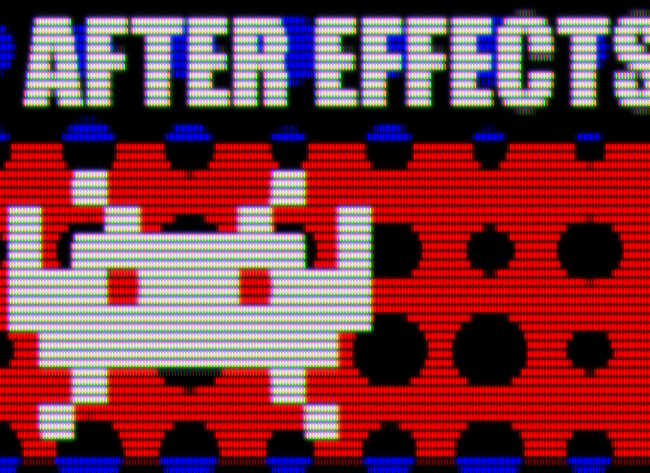
LCD look effect (LCDeffect.jsx)
This script allows you to get the look of LCD like effect in After Effects in one click.
Watch this demo:

How to use:
- Select the layer you want to apply the effect.
- Click menu File > Scripts > Run Script File…
- Open and execute LCDeffect.jsx
- You can adjust the sliders to make variations in the effect. Enjoy!
<The script is now available on aescripts.com!>
Of course you can copy the file to After Effects’ Scripts folder to add to default scripts menu.
New #AfterEffects script posted: LCD look effect http://vilvo.net/en/2009/12/after-effects-script-lcd-look-effect/ Enjoy!
Shouldn’t this effect be called CRTeffect ????
Absolutely fantastic effect! I would love to know the basic processes used to create this effect, anyone? Cheers